Geometric CAD Designs for 3D Printing
These are the results of transforming 4D cube math shapes into 3D CAD designs that output 3D printer files to print the 4D cube designs.
Development Steps
The 3D printing assembly line:
- Find or develop a graphic geometric image.
- Write a ChatGPT prompt to generate OpenSCAD code. For example:
OpenSCAD: 50mm × 50mm × 50mm × 50mm hypercube frame made of 3mm cylindrical rods using a Coxeter plane projection. - Debug and enhance the ChatGPT generated OpenSCAD code using an IDE and FreeCAD.
- Use FreeCAD to output an STL file.
- Load the STL file into the 3D printer's slicer application.
For example, UltiMaker Cura.
Have the application output the actual print file. - Use the slicer application output file to 3D print the design.
| Progression from mathematic concept to 3D print object: | ||||
|
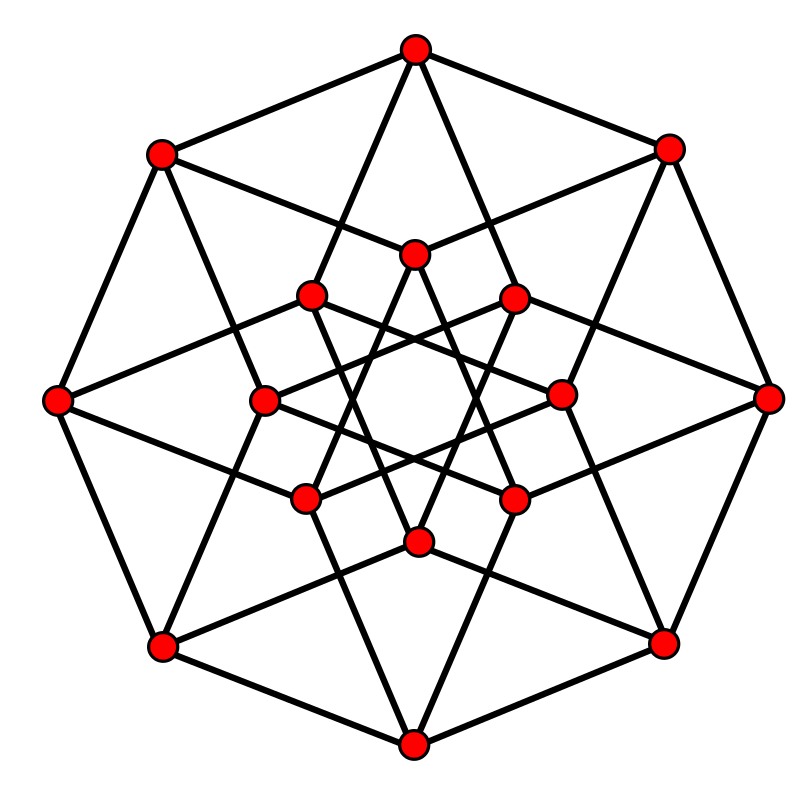
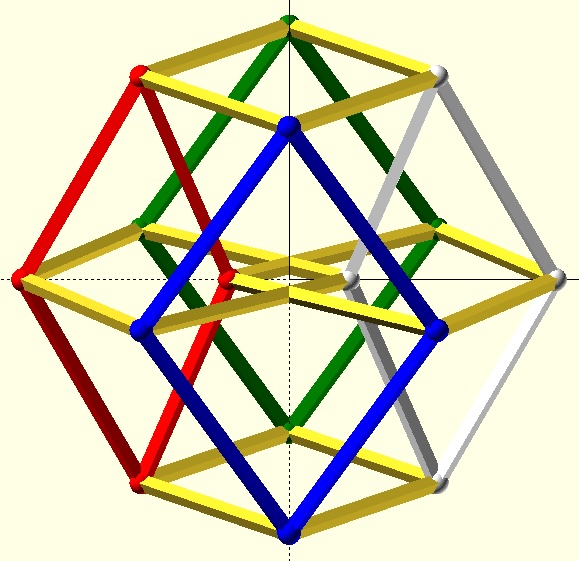
4-cube 2D Coexeter
B4 projection |
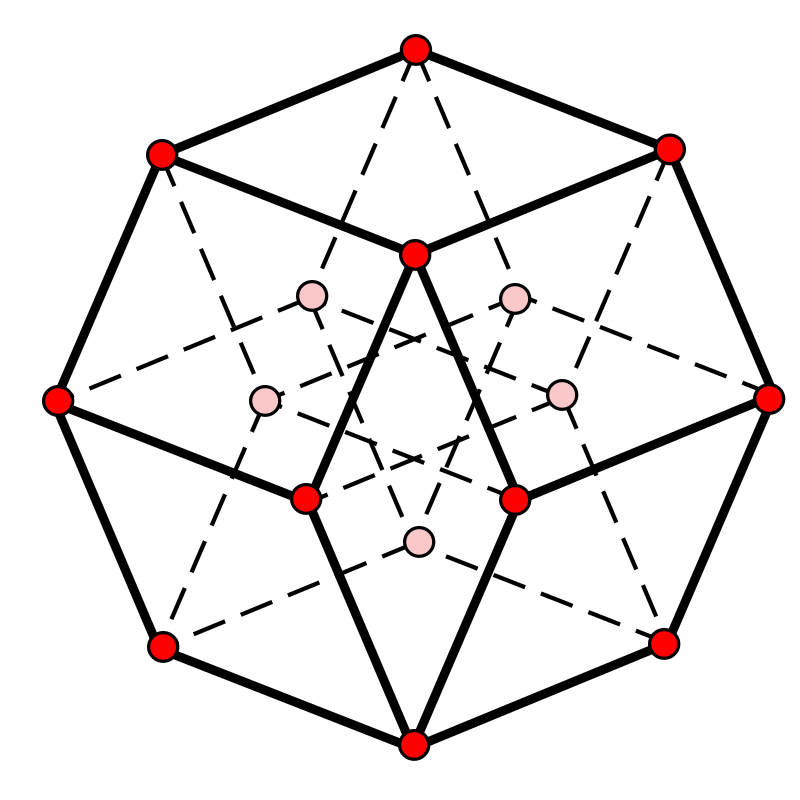
I added 3D effect
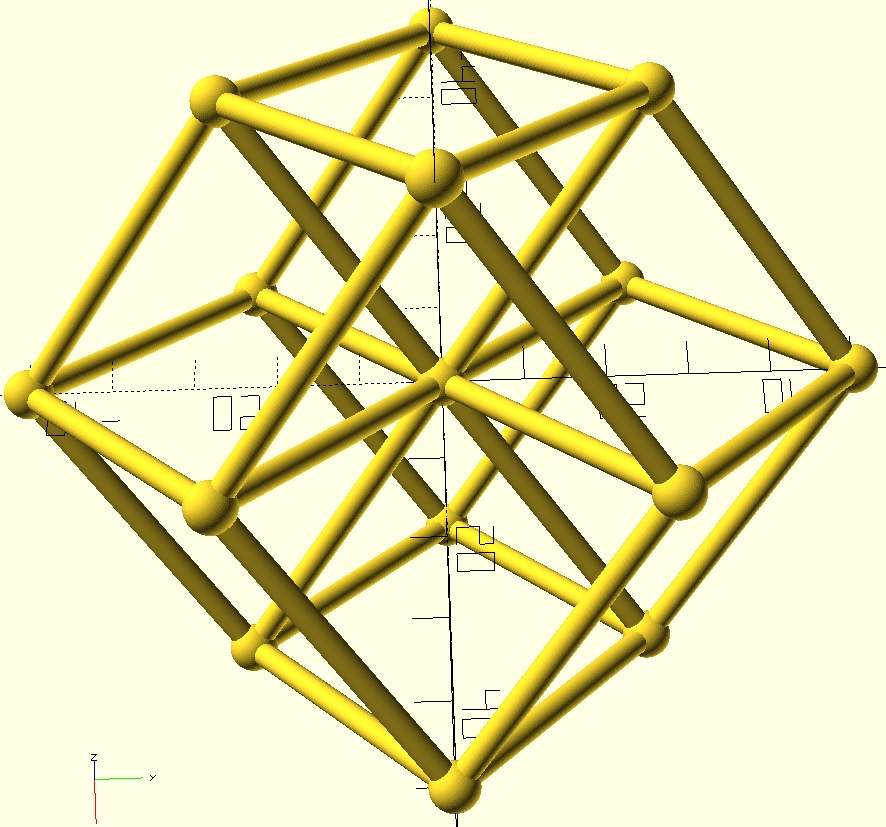
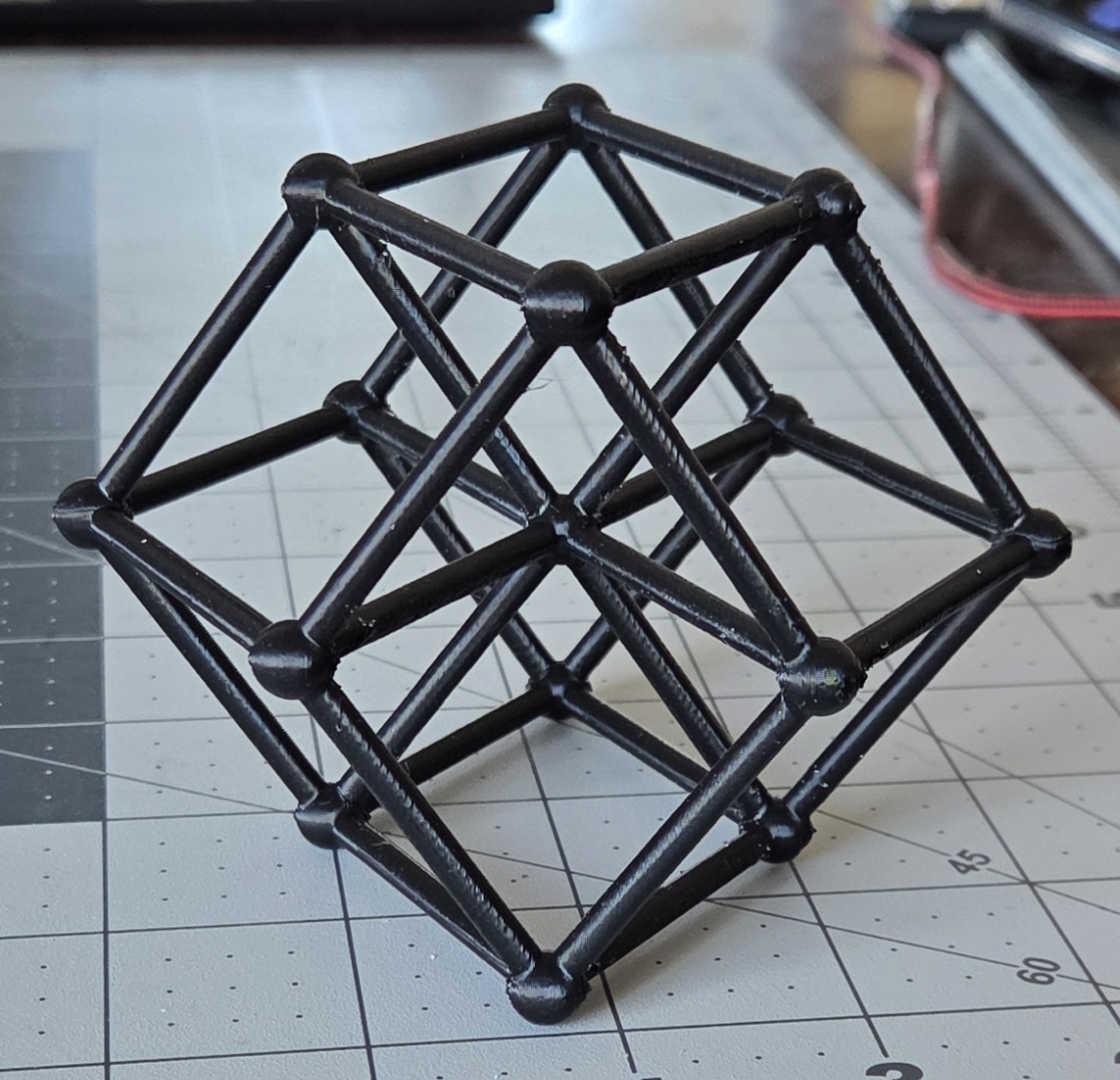
of hidden lines | 3D CAD design | 3D print slice file | 3D print |
|
|
|
Printer specific software.
Someone recommended rotating 90o to reduce print supports. |
|
Click here for software setup instructions.
3D Printing
| CAD exports STL files >> 3D printer slicer application >> 3D printer >> printed | |
| Printed dodecahedron | Printed tesseract, 4D hypercube, 4-cube |
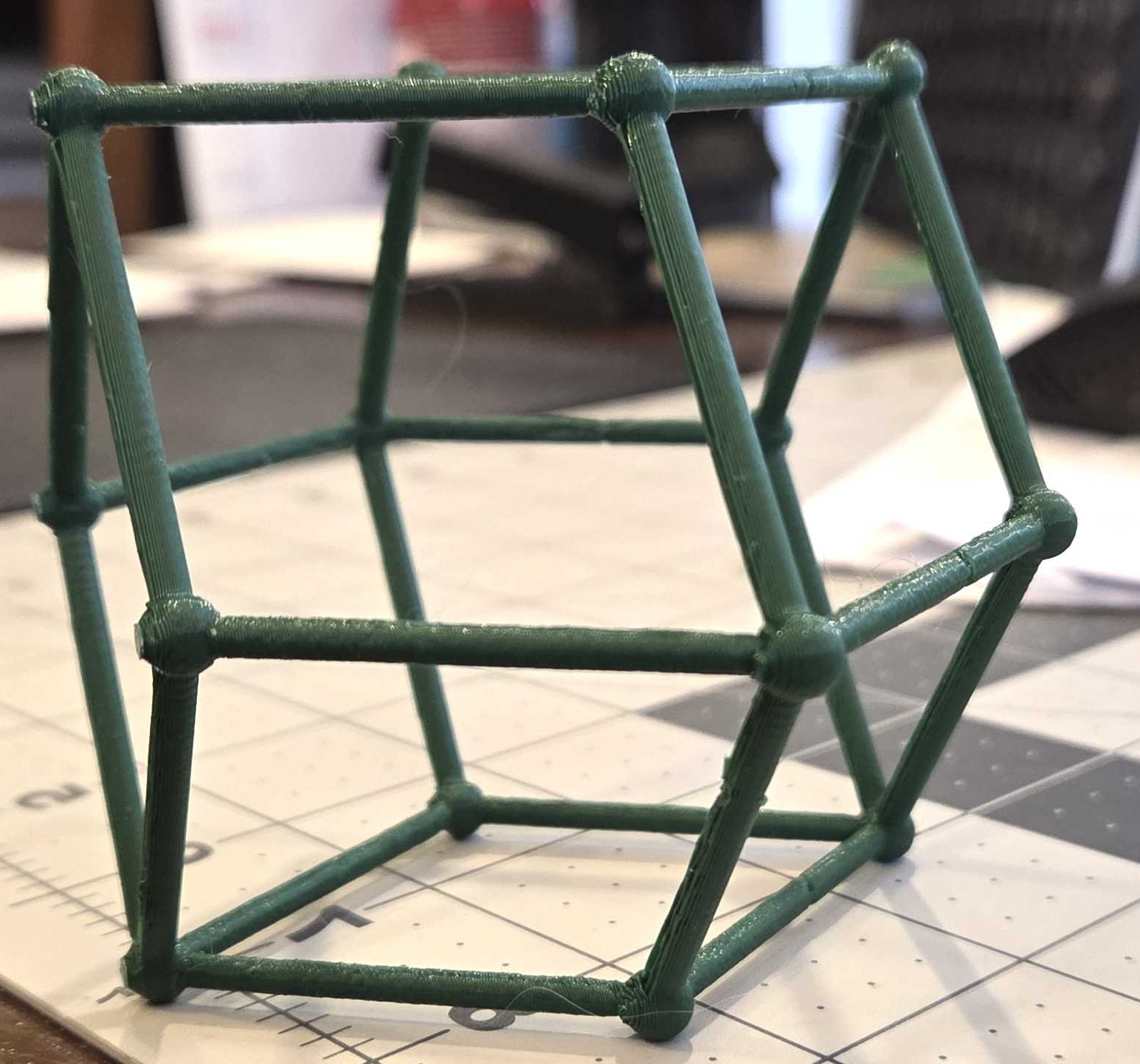
|
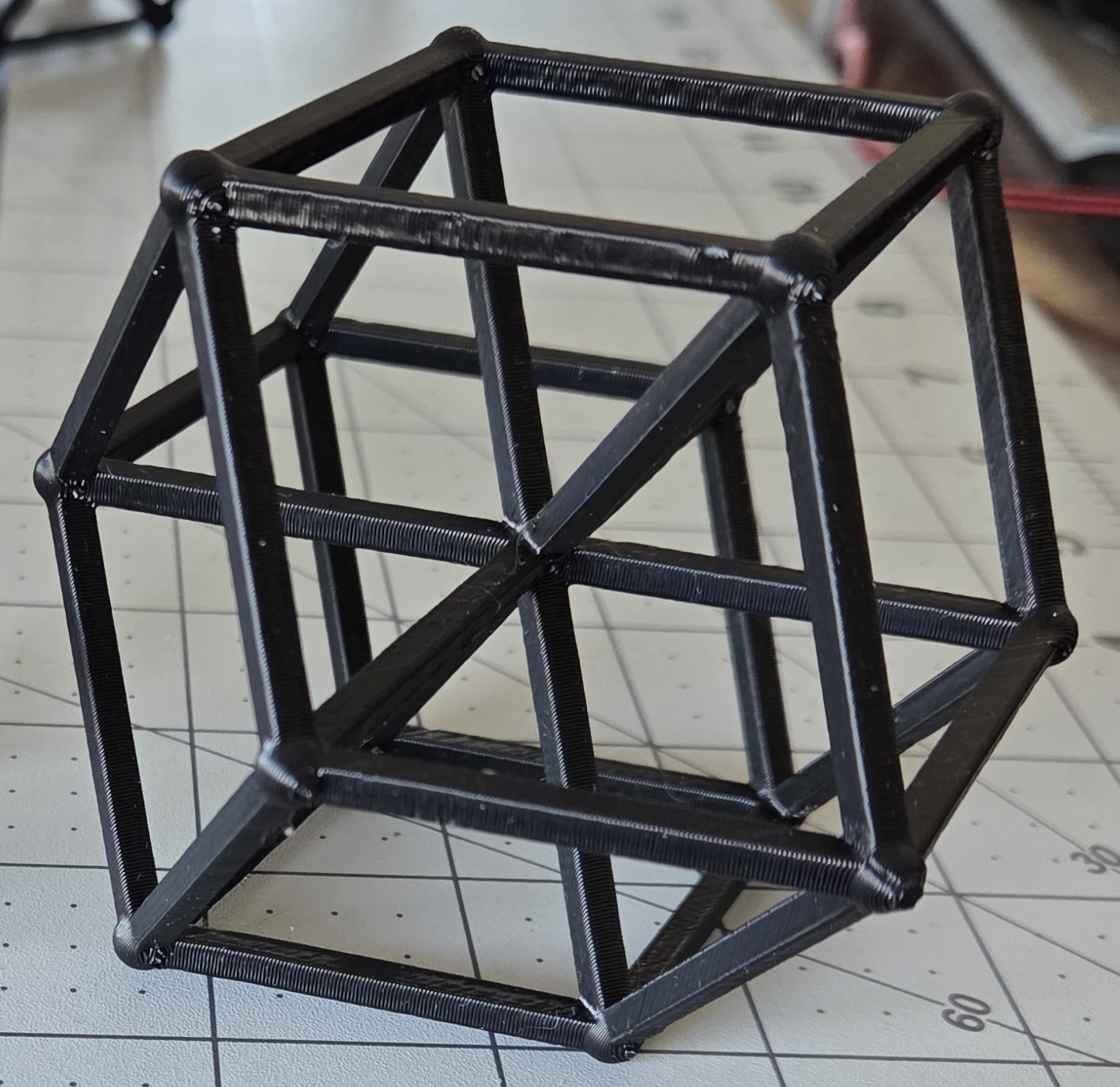
|
|
View and download CAD output STL file:
[3mm cylinder frame] [4mm square prism frame] You can rotate an enlarge GitHub STL files. |
View and download CAD output STL files:
[3mm cylinder frame] Can rotate an enlarge GitHub STL files. [4mm cylinder frame] [3mm square prism frame] (my favorite) [5mm square prism frame] Two center vertices: [3mm cylinder frame] [3mm square prism frame] |
| OpenSCAD code >> FreeCAD app or the OpenSCAD app | |
|
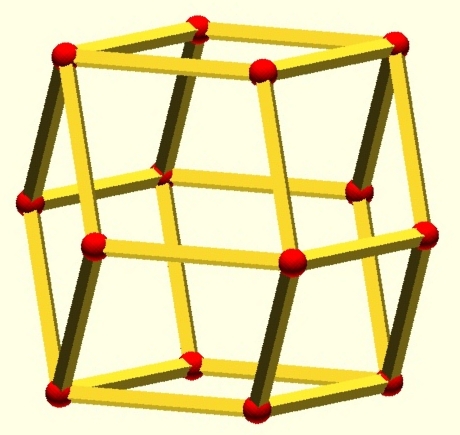
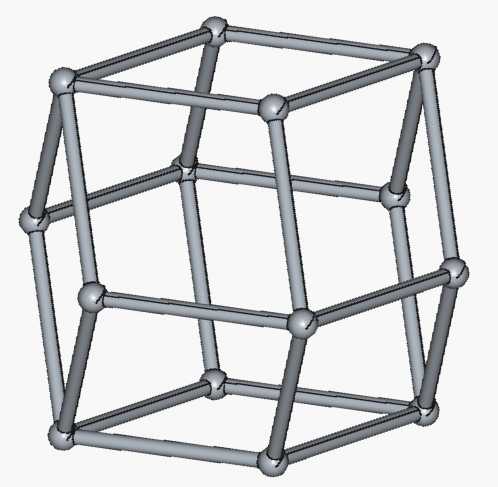
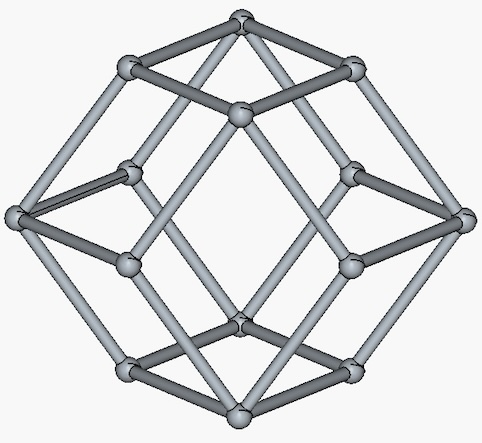
Dodecahedron which
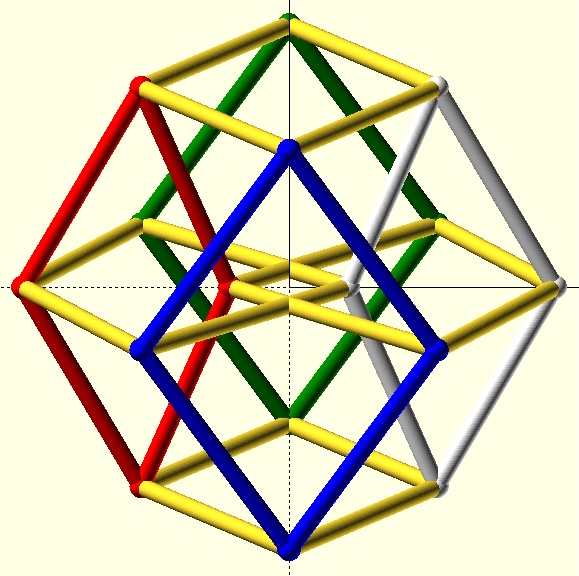
is a 4-cube without internal edges. | 3D CAD of a 4D hypercube(4-cube) |
|
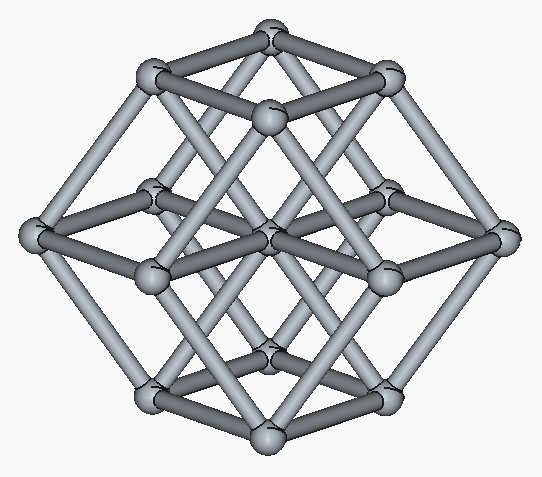
|
|
CAD Input: OpenSCAD source file:
[view,download]. |
View and download OpenSCAD source files:
[3mm cylinder frame] [4mm cylinder frame] [3mm square prism frame] (my favorite) [5mm square prism frame] Two center vertices: [3mm cylinder frame] [3mm square prism frame] |
| View of the FreeCAD app and the OpenSCAD app | |
| FreeCAD app showing 4-cube. | OpenSCAD app showing 4-cube. |
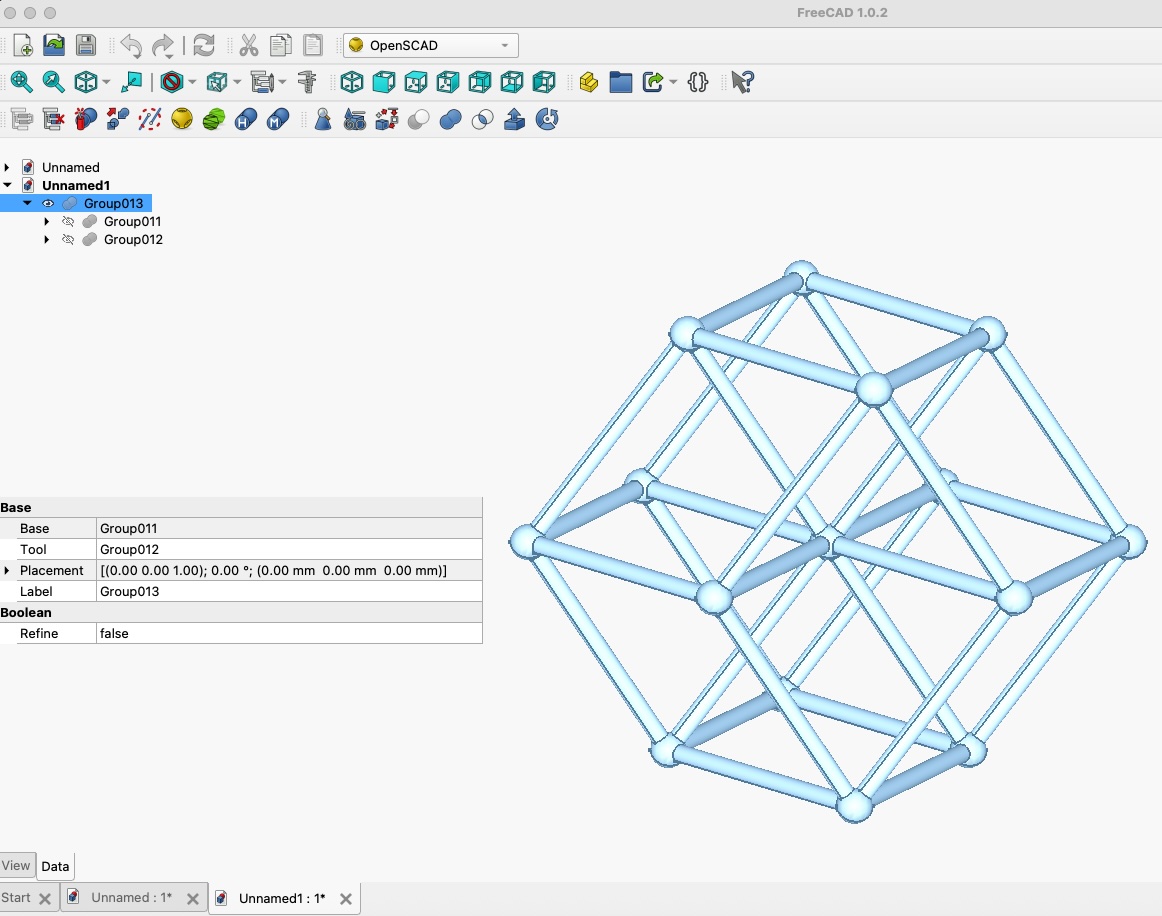
|
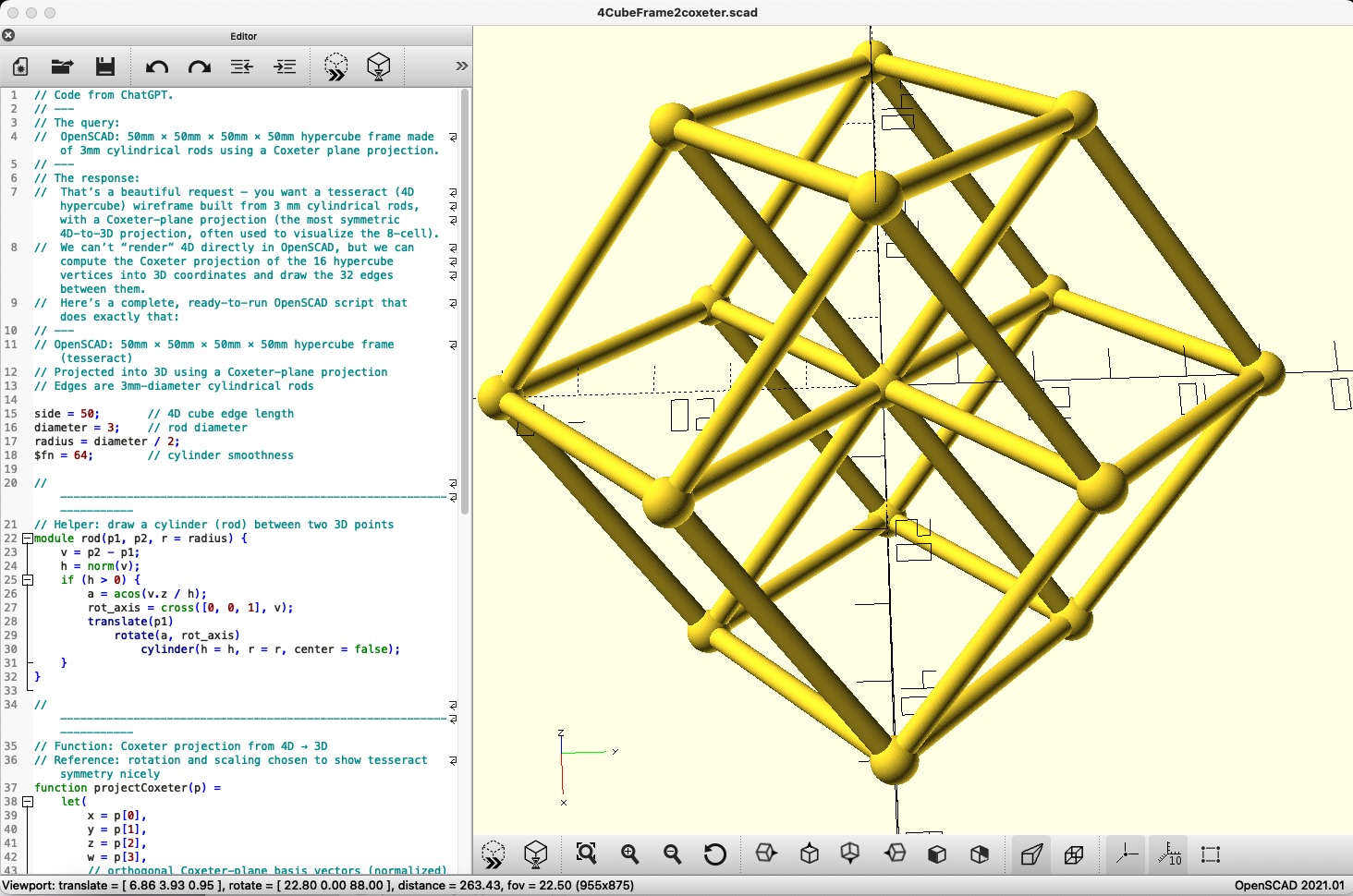
|
Sequence to Dimensional Designs
| Progression from 2D to 5D | |||
| 1) 2D square | 2) 3D cube | 3) 4D hypercube, 4-cube | 4) 5-cube |
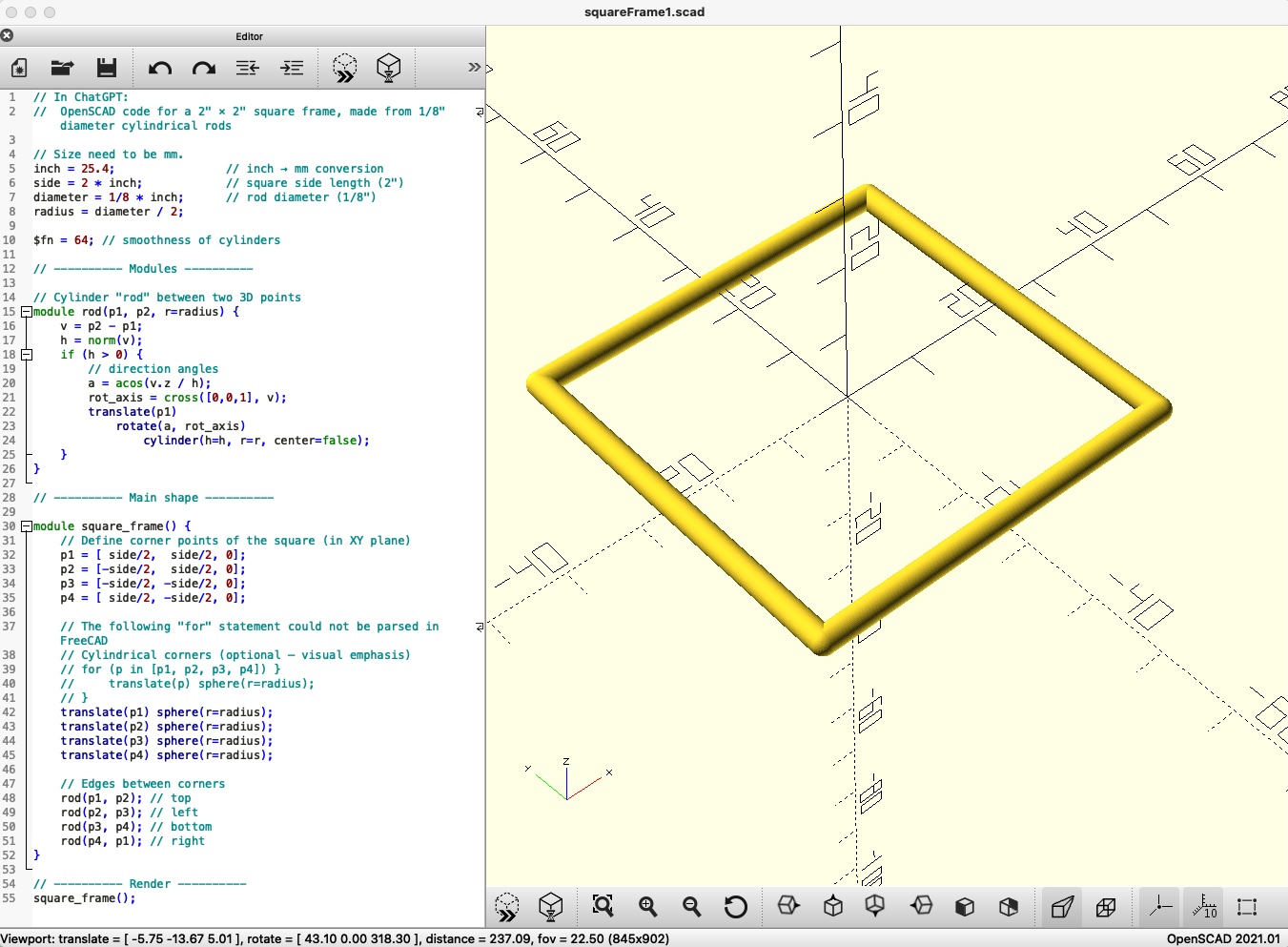
|
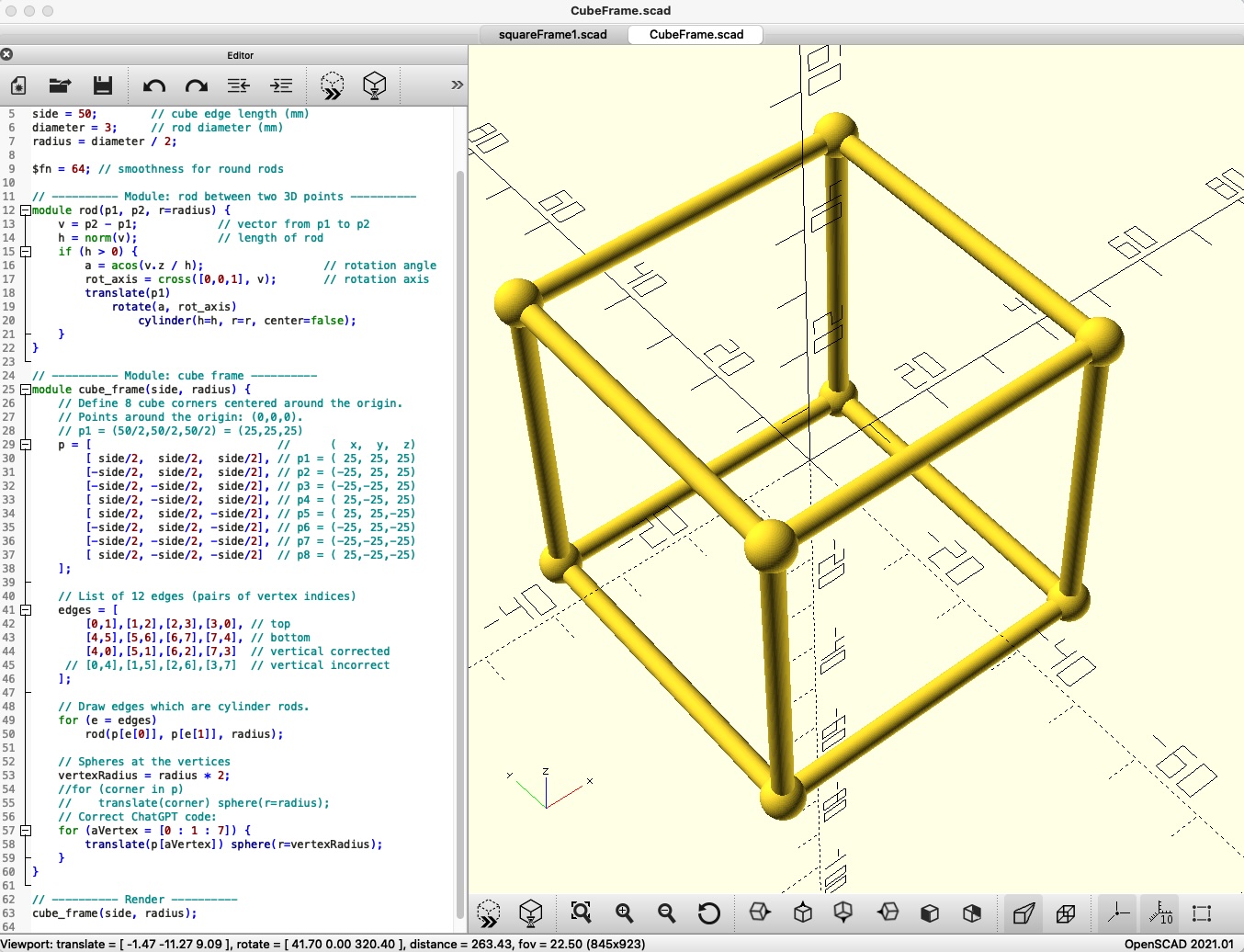
|
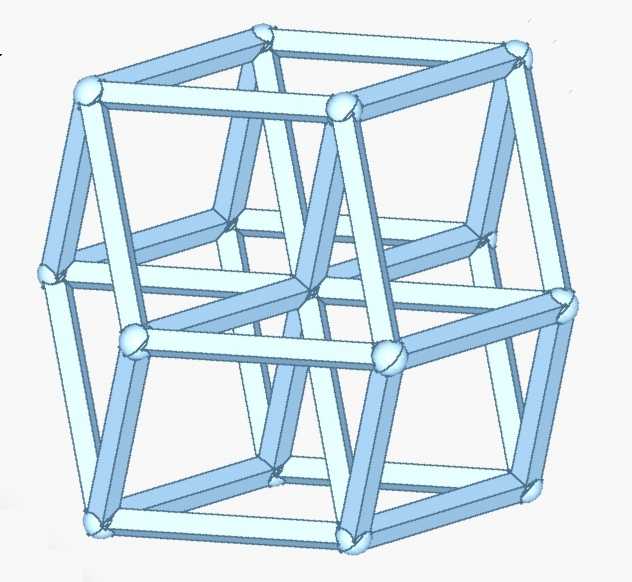
|
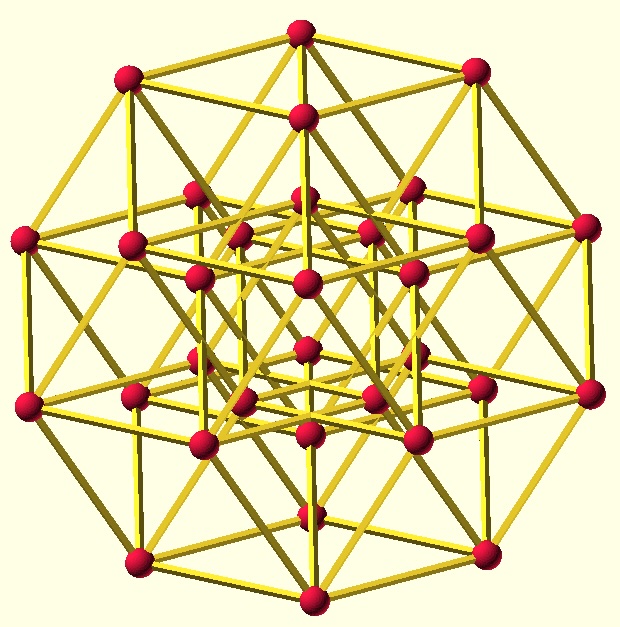
|
|
[OpenSCAD source file]
[3D print STL file] |
[OpenSCAD source file]
[3D print STL file] | (See above for files) |
[OpenSCAD source file]
[3D print STL file] |
Geometry Shape to CAD Design
My steps from a 2D math shape, to the 3D CAD design of the Coxeter 4-cube plane projection.
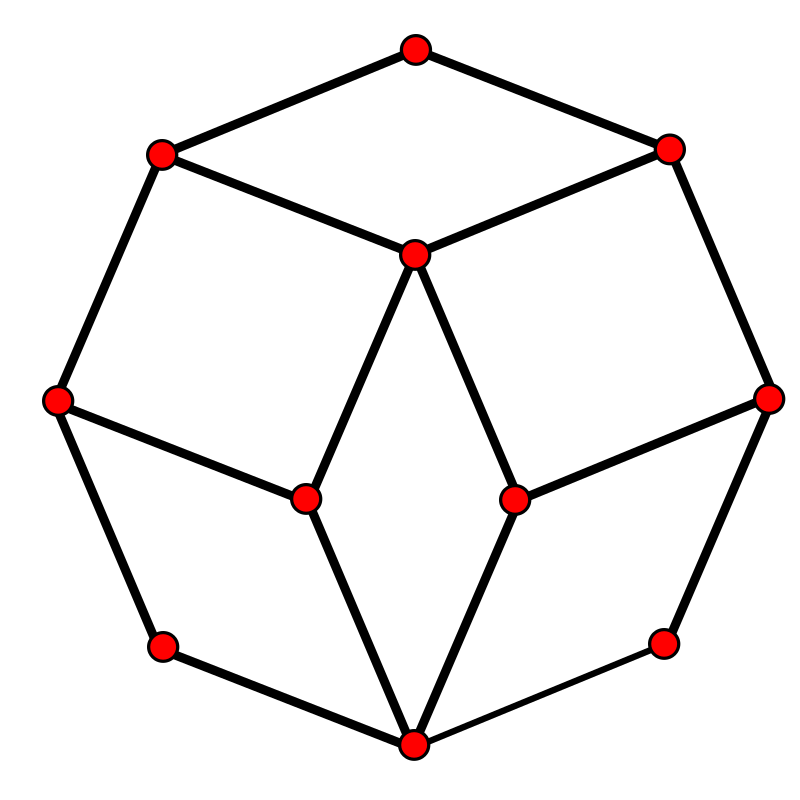
Coxeter plane projections, B4 group 4-cube tesseract transformations:
1) The original 2D shape projected on a plane.
2) Making the 2D shape look like a 3D shape
by using dashed hidden lines and lighter color hidden vertices.
3) 3D CAD projection. In the OpenSCAD app, can spin around in 3D.
| Progression from a 4-cube projected into 2D(Coexeter B4 shape), to a 3D CAD design | ||
| 1) 2D Coexeter B4 shape, original |
2) 3D effects added by making
the hidden lines, dash lines. | 3) 3D CAD design |
|
|
|
|
| 1) Dashed hidden lines |
2) Inside lines removed
makes a dodecahedron. | 3) CAD design, no inner lines |
|
|

|
|
Wikipedia Coxeter plane article: The Coxeter plane is often used to draw diagrams of higher-dimensional polytopes and root systems. The 4-cube is a B4 Coxeter group.
A polytope is a geometric object with flat sides (faces). Polytopes are the generalization of three-dimensional polyhedra to any number of dimensions. Polytopes may exist in any general number of dimensions n as an n-dimensional polytope or n-polytope. For example, a two-dimensional polygon is a 2-polytope and a three-dimensional polyhedron is a 3-polytope. A 4-cube is a specific version of 4-polytope where the edges are all the same length.
Harold Scott MacDonald "Donald" Coxeter (British-Canadian 9 February 1907 – 2003) University of Cambridge (B.A. and Ph.D.) 60 years at the University of Toronto, Canada, was a geometer and mathematician. He was lifelong friends with M. C. Escher. Escher wrote that he was inspired to make his Limit series by a figure in Coxeter's article "Crystal Symmetry and its Generalizations". Donald Coxeter is regarded as one of the greatest geometers of the 20th century.
Science Literacy Week - Donald Coxeter and Geometry, Fields Institute.
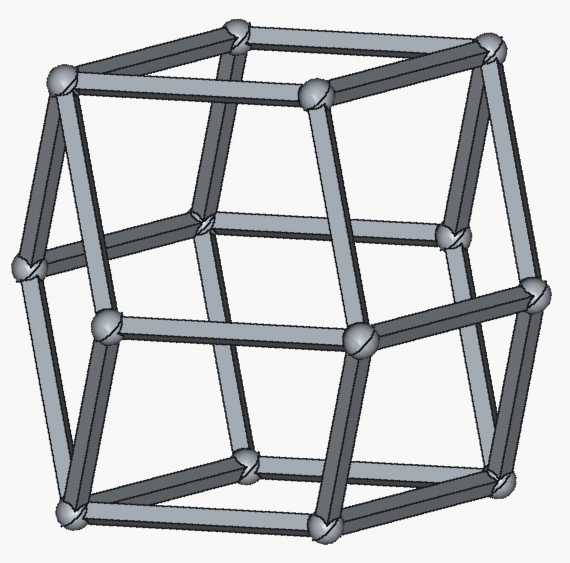
| Rhombic Dodecahedron images | ||||
|
Johannes Kepler
drawing
from his 1619 book: Harmonice Mundi |
SVG image based on my
2018 geometry drawing |
M.C. Escher
drawing
from his Stars print, 1948. |
One of my CAD designs,
2025. |
3D print,
2025. |
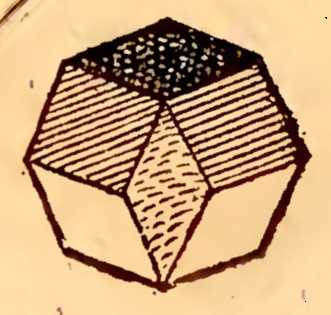
|
|
|
|
|
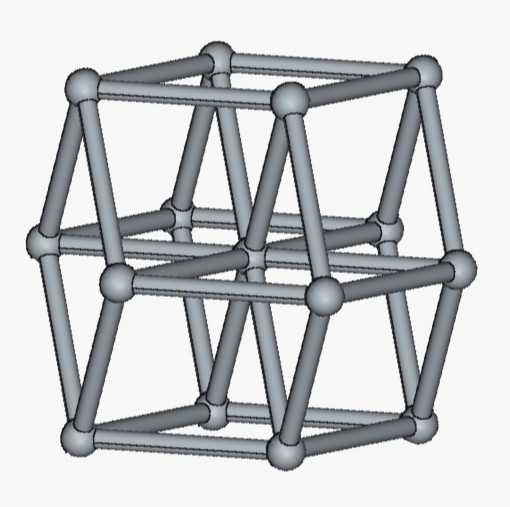
Traditional 4-Cube
Traditional 4-cube OpenSCAD. Formally, it's call a Schlegel diagram.
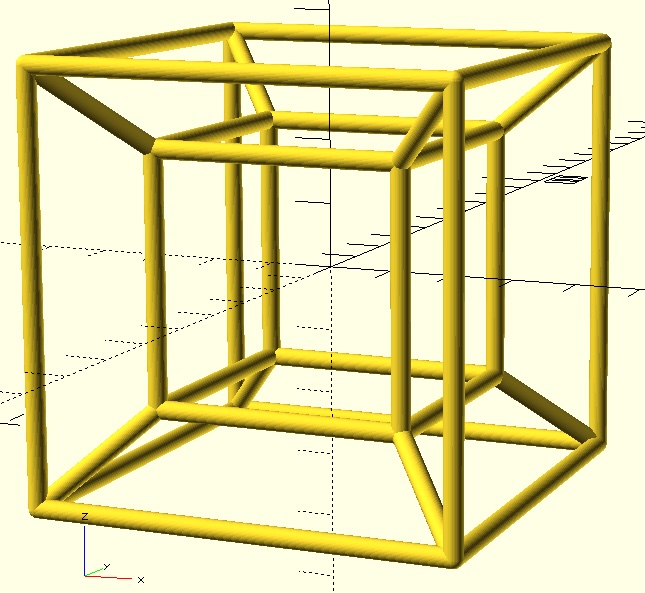
Traditional 4-cube,
OpenSCAD source file:
[view,download].
3D print file
[view,download].
I call this version of the 4-cube, "traditional" because it is the common view of a 4-cube. When searching images for "hypercube 3D printing", this is the version listed, no Coxeter 4-cube versions. My Coxeter 4-cube 3D print may very well be the first. My Coxeter 4-cube without hidden lines was the first I could find. I did find one other, who made a Coexeter 3D versions of the 2D Coxeter 4-cube.
Environment Setup
I wrote an instructable, CAD Designing and 3D Printing. The instructable guides you through the steps to print a tesseract from sample 3D printable files. Or, follow the steps to modify my designs and then 3D print your own version of a tesseract or a regular cube or a rhombic dodecahedron.
Software Install:
- Install FreeCAD.
- Install OpenSCAD. On a Mac computer:
$ brew install openscad - On a Mac computer, allow OpenSCAD to run on the computer:
System Settings > Privacy & Security, scroll to the Security section, and click "Open Anyway".
Using OpenSCAD in FreeCAD:
If OpenSCAD is installed, FreeCAD can use OpenSCAD as a FreeCAD element. The following diagram shows the options to load OpenSCAD code in FreeCAD and generate CAD design.
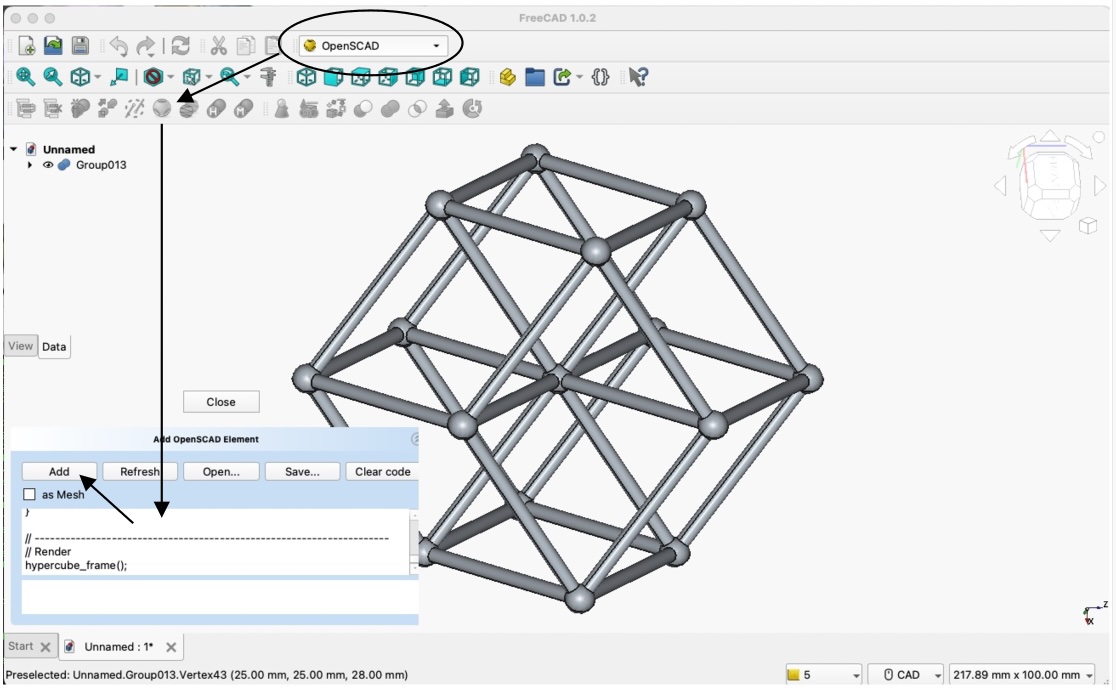
- Open/start FreeCAD.
- To load OpenSCAD code. If first time, you will need to tell FreeCAD, the install location of OpenSCAD.
- Click Empty file.
- Open "Part Design" selector, and select OpenSCAD. First time may need to, click Allow.
- Click the FreeCAD menu icon: OpenSCAD. This opens a place to enter OpenSCAD code: Add OpenSCAD Element.
- In ChatGPT, I made a request to generate OpenSCAD code.
Click here for sample OpenSCAD code to view, copy and paste, or download. - Copy and paste OpenSCAD code into FreeCAD.
- Click Add to run the OpenSCAD code which renders the object in FreeCAD.
Or, using OpenSCAD directly, double click a downloaded OpenSCAD file(extension: scad).
Or, open the OpenSCAD app and load the code into the editor.